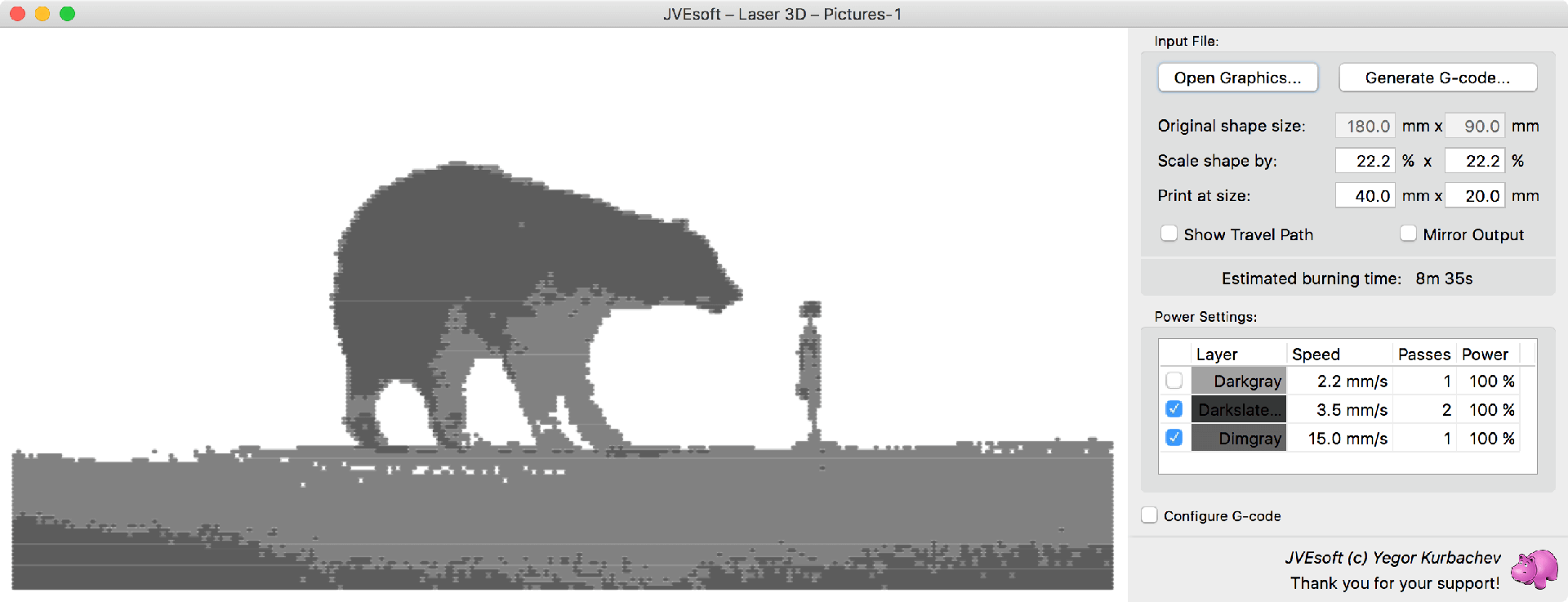
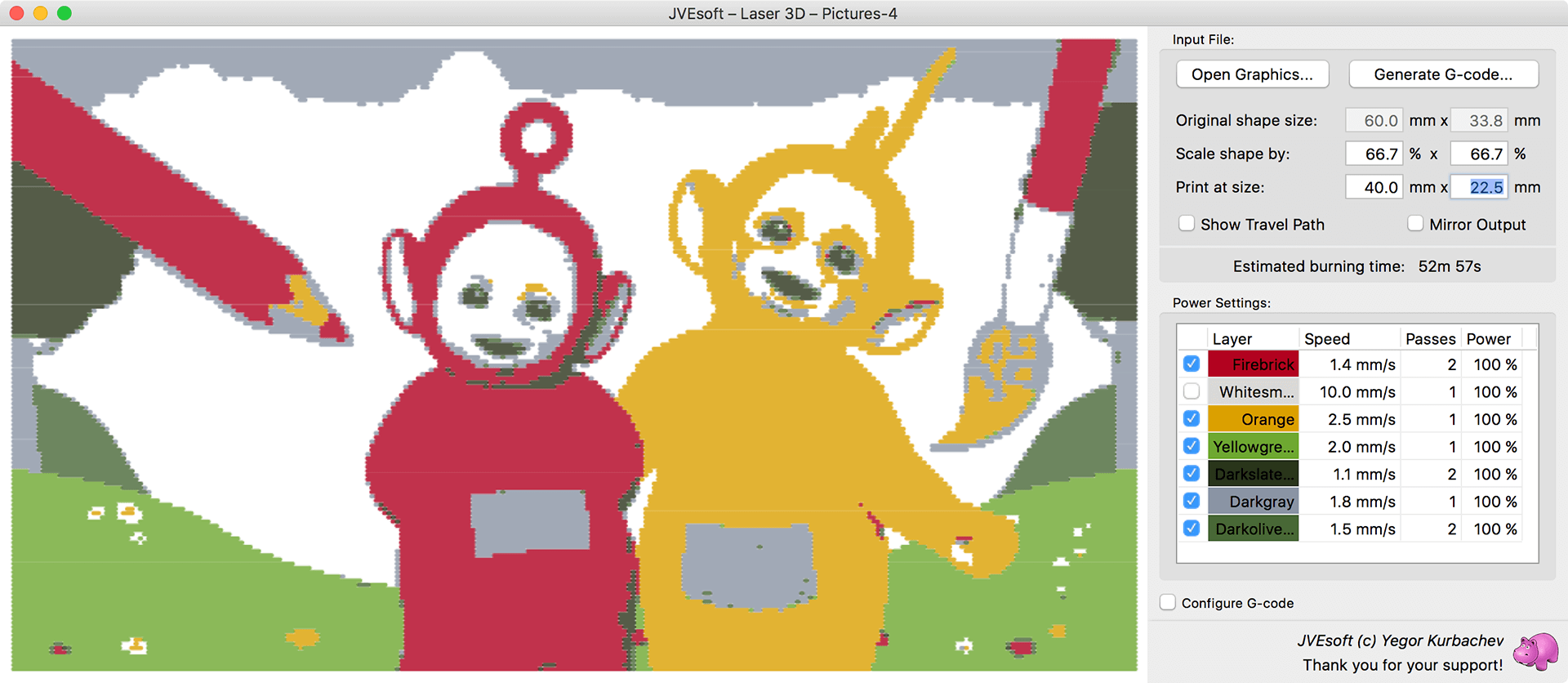
When you open a JPG or PNG image, JVElaser will analyze the image and detect its primary colors.
Each primary color will be presented as a separate layer, for which you can choose burning configuration or select whether the layer is being printed.
Notice, how the primary colors of the picture are detected and suggested for different burning styles.
Stereolithography
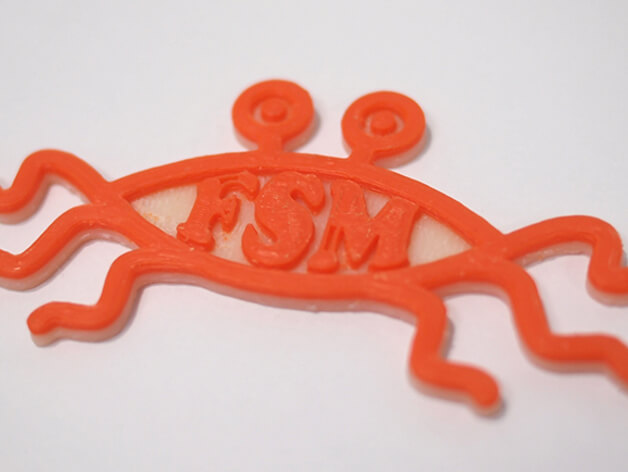
Lots of interesting objects are available as 3D objects on popular sites, like https://www.thingiverse.com. Many of them are actually relatively flat and JVElaser allows you to burn them, instead of printing.
STL files usually contain information about the size of the object being printed; JVElaser will suggest that as the default burning size (which you can override).
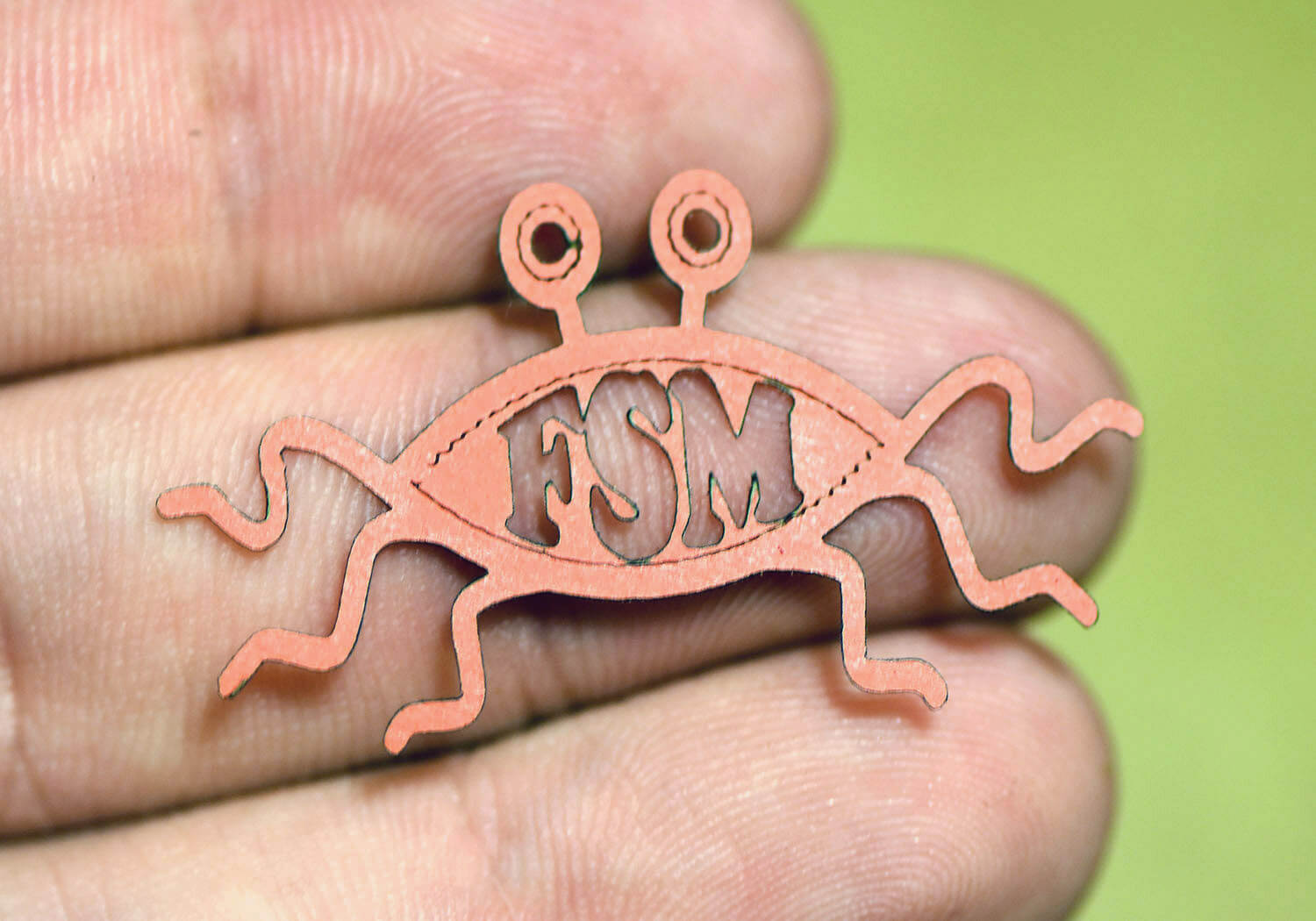
Another example is the Flying Spaghetti Monster, available at https://www.thingiverse.com/thing:44353. Notice, it is being cut out of paper, while careful speed selection allowed us to write on the paper with the laser beam, without cutting it.
Plotter
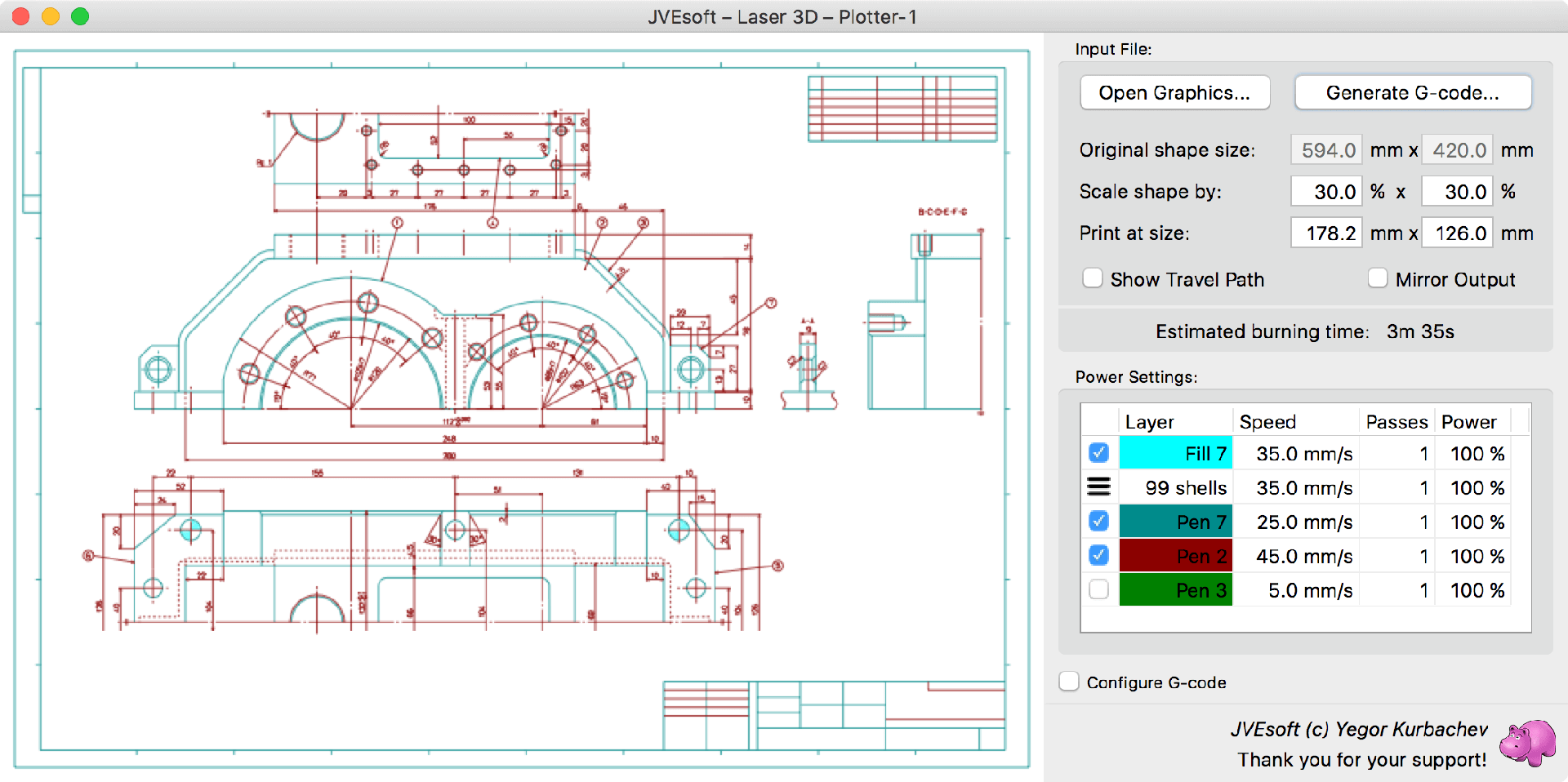
PLT or HP-GL files are actually programs for plotter devices. They are also used as an export format or printout destination by many CAD packages, like AutoCAD and others.
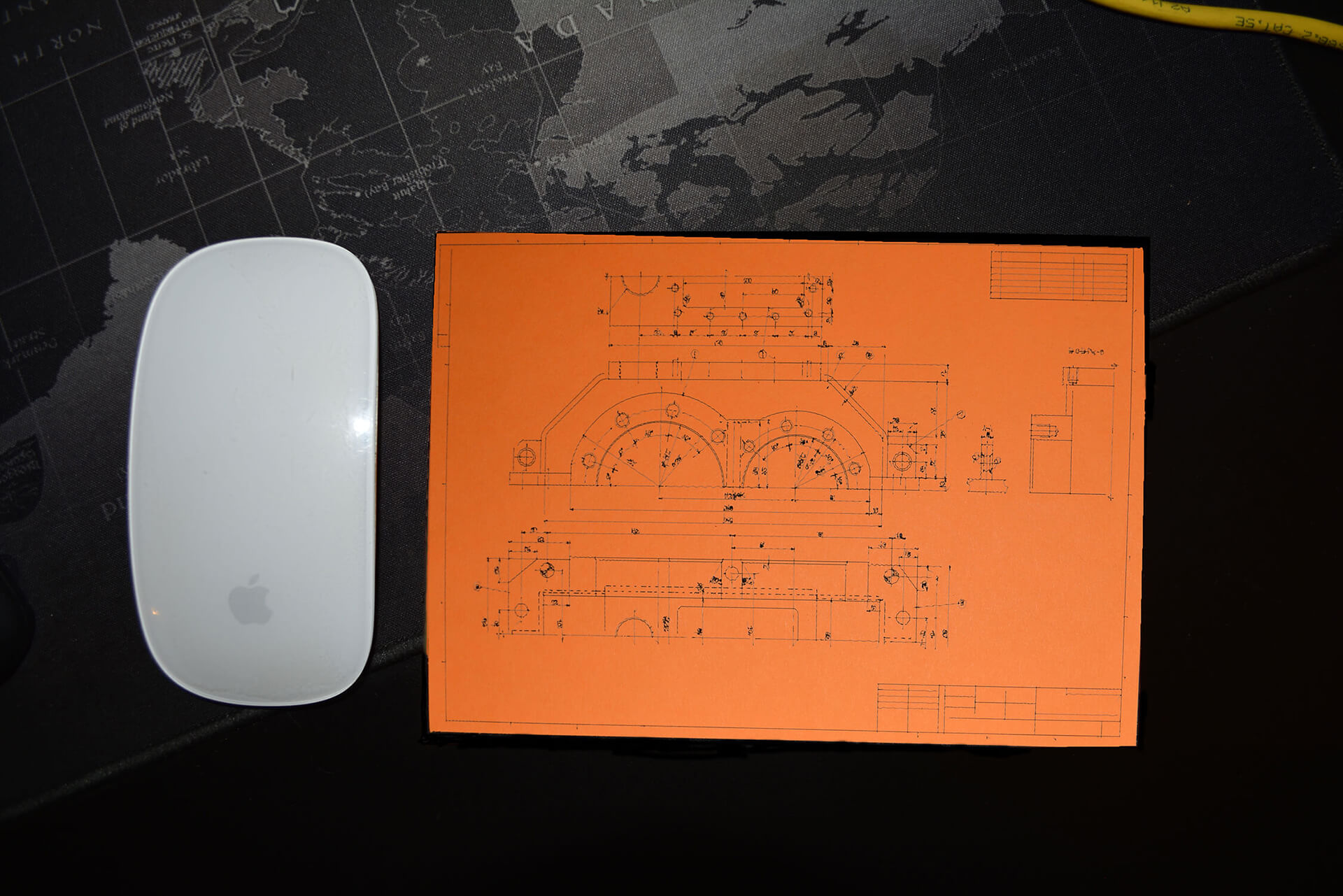
JVElaser supports opening such files and burning them, as the plotter would have plotted them.
Plotter files contain the information about the required output size, which is suggested by JVElaser as the default output size (which you can override). They also contain the information about the different pens, which should be used for drawing; JVElaser creates separate layers for each pen in use by the drawing.
Note: while drawn characters are supported within plotter files, printed characters are not.
Vector
Vector graphic files are support by JVElaser in the SVG format. The support is not full featured (with the main limitation being missing text output support), by enough of the format is supported to provide output for most files.
Some, but not all, vector files contain information about the desired output size; if that’s the case, JVElaser will suggest that size by default (which could be overridden).
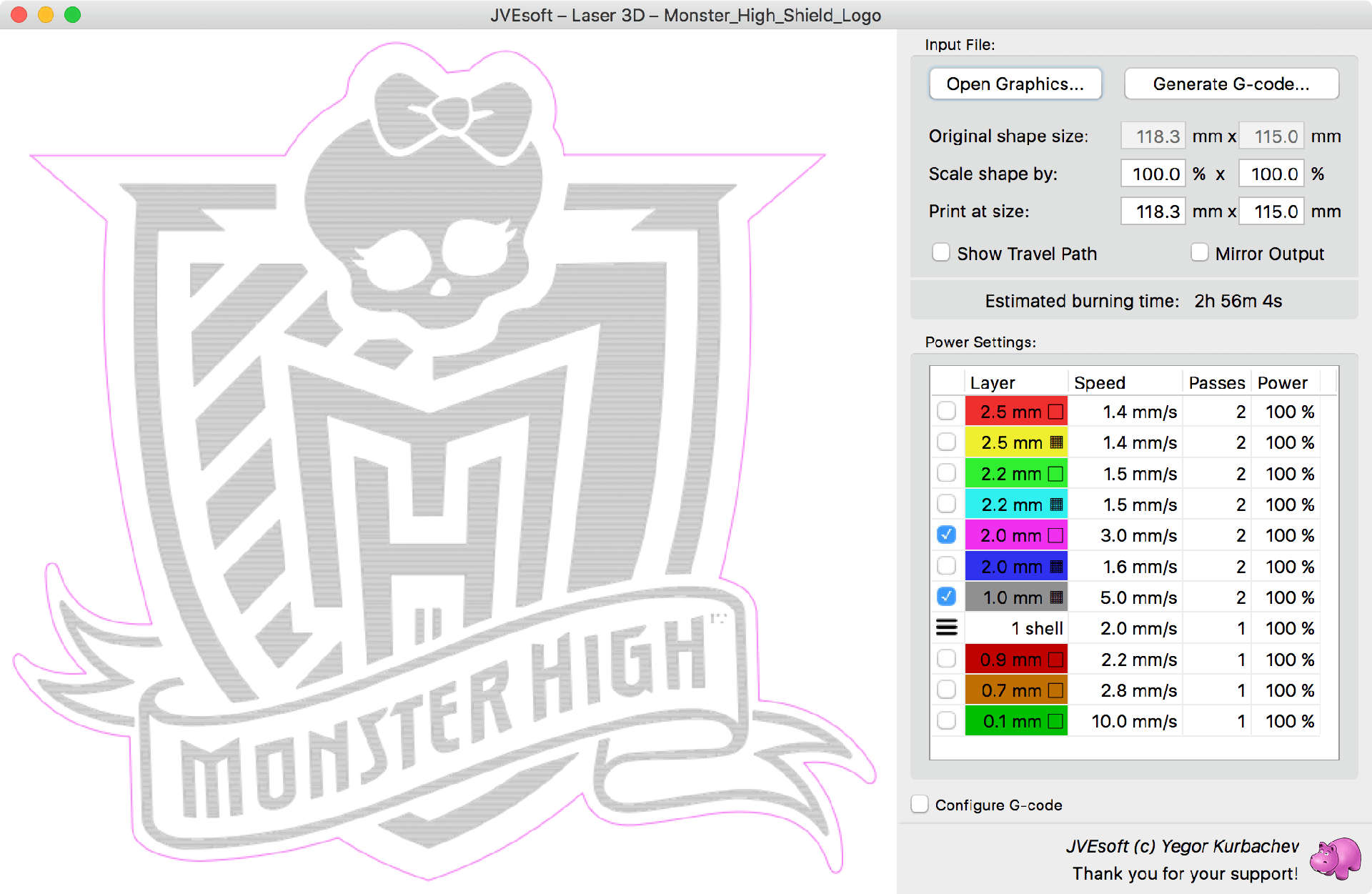
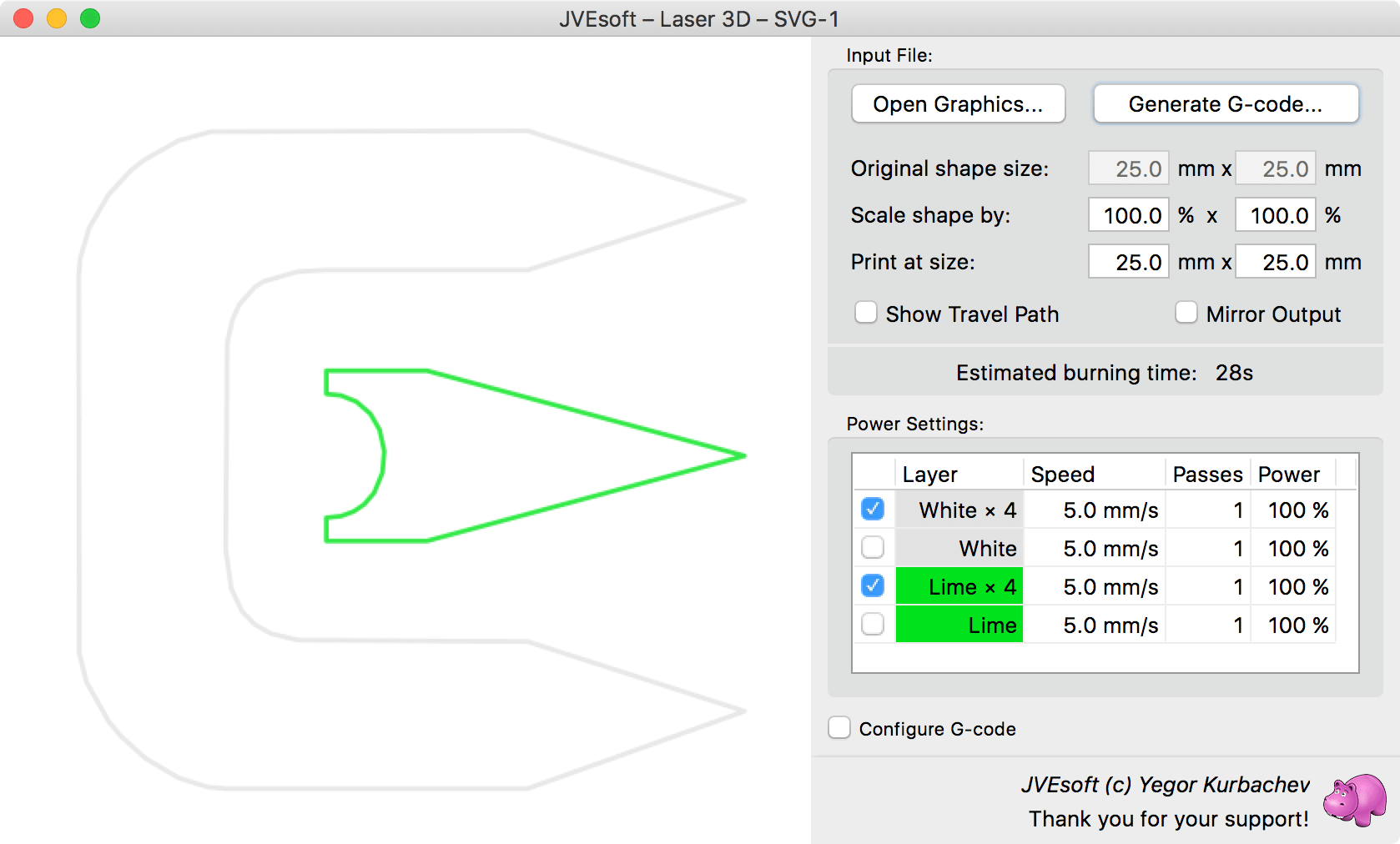
When opening a vector file, separate layers are created based on the elements’ colors, opacities and stroke widths. The name of the layer includes, in addition to the layer’s color, the desired stroke width.
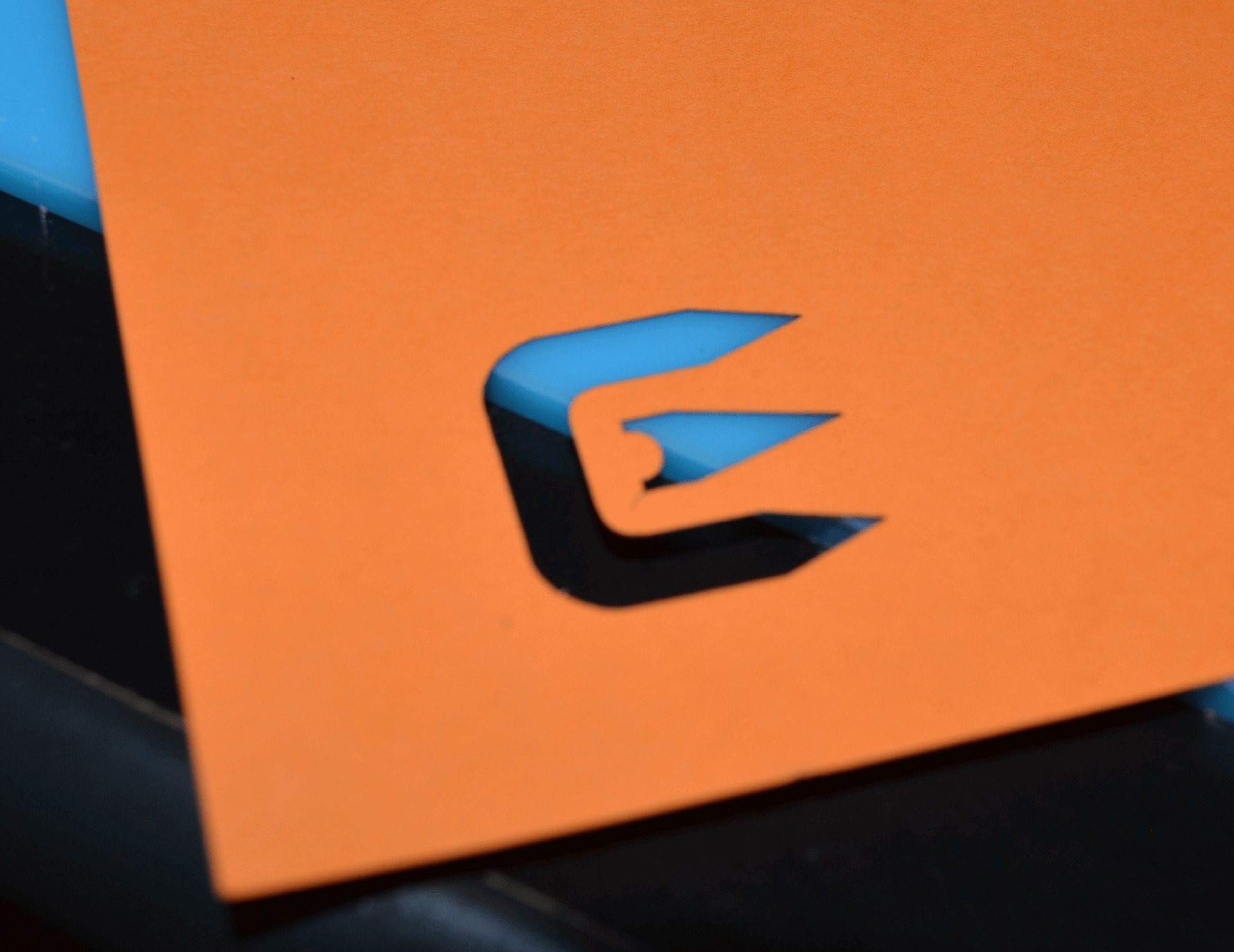
In this example we are using the edges of the Cygwin logo to cut a piece of paper (you can use this method, for example, to create stencils for spray paint).
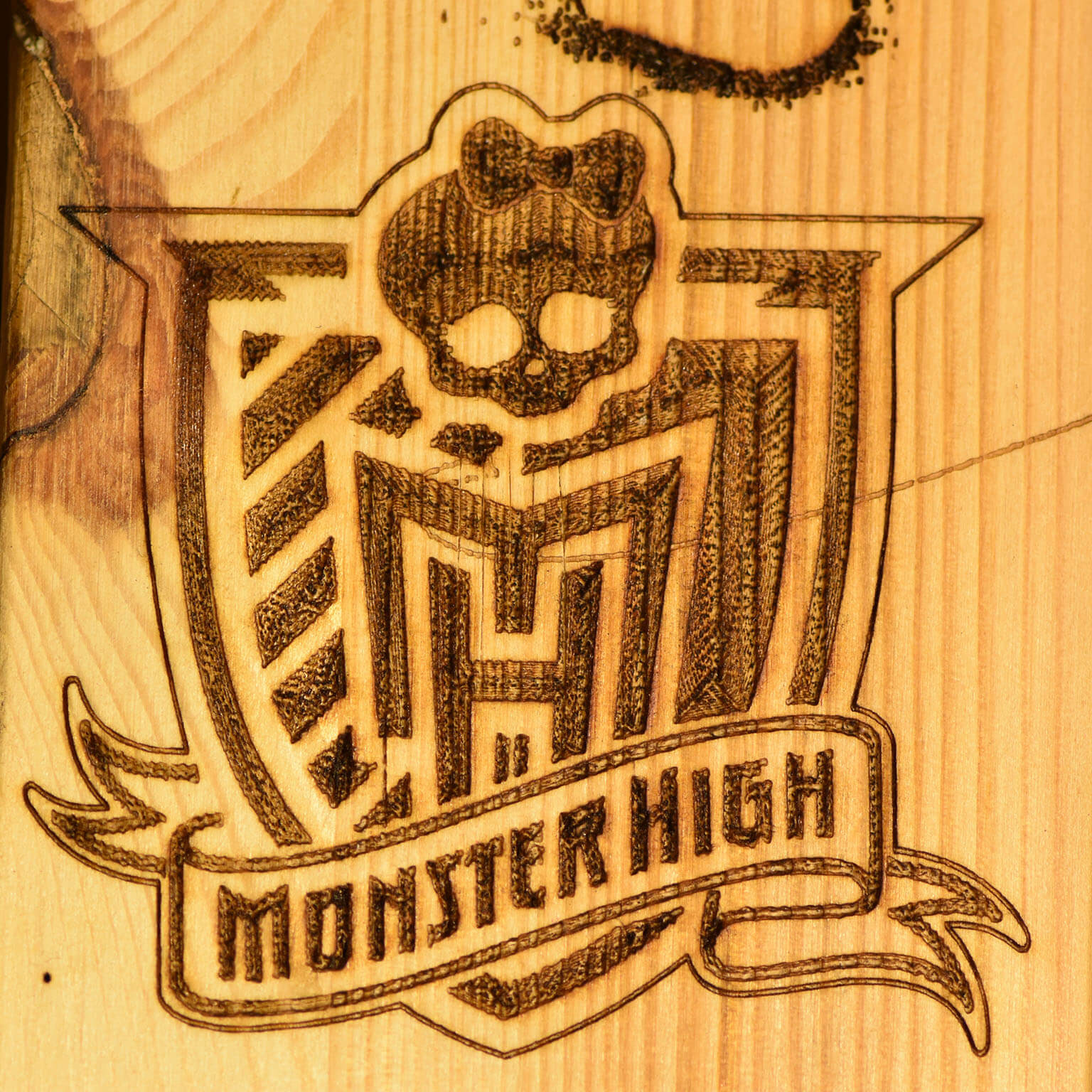
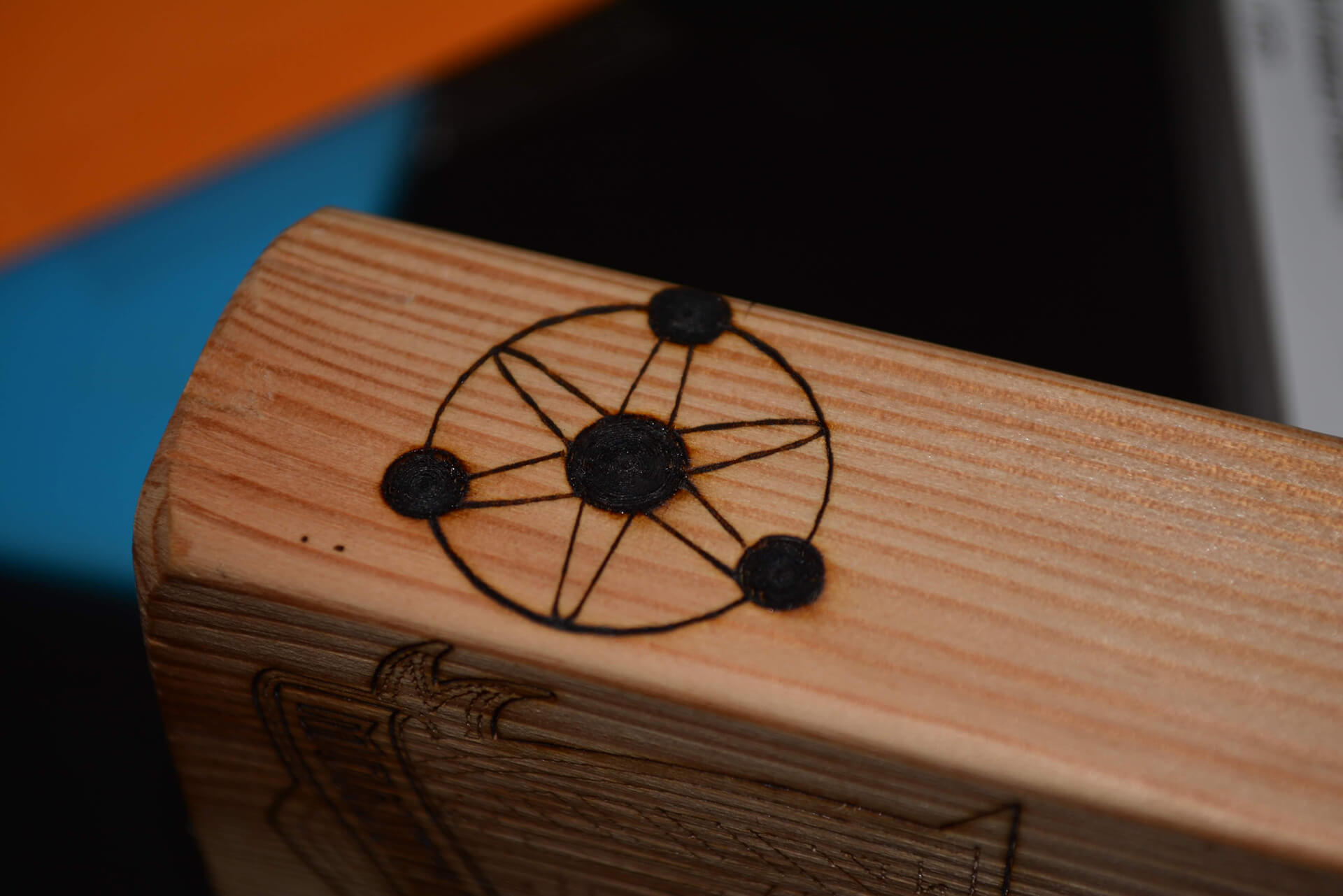
And in this example we have engraved a demo image on a piece of wood.